Greenscreen
KoolWaterLKNow tracking
- Universe ID
- 78867897
- Place ID
- 165123896
- Created
- Jul 7, 2014
- Updated
- 3 years ago
- Server size
- 12
Playing now
0
Updated just now
Visits
129.8K
Favorites
1.5K
Rating
75.3%
719 up · 236 down
Updated just now
719 up · 236 down
1h – · 7d –
Needs a day of history
BloxScout estimate based on public engagement and monetization signals. Not reported earnings.
Needs a day of history
Refreshed weekly for popular experiences
Where this experience sits on Roblox's official sorts right now.
Not on any tracked chart at the moment
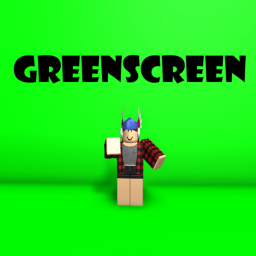
Greenscreen with poses for thumbnails. Tutorial to use: 1. Open the tool in your inventory 2. Click once 3. Switch to the new tool that appears in your inventory 4. Edit pose by moving your mouse around 5. Switch back to the first tool using your keyboard (typically by pressing the number 1) 6. Click again to switch the second tool to a different avatar part To edit a thumbnail: 1. Take a screenshot 2. Open any photo editor with the magic wand tool and configure the background
Experiences of a similar size.